
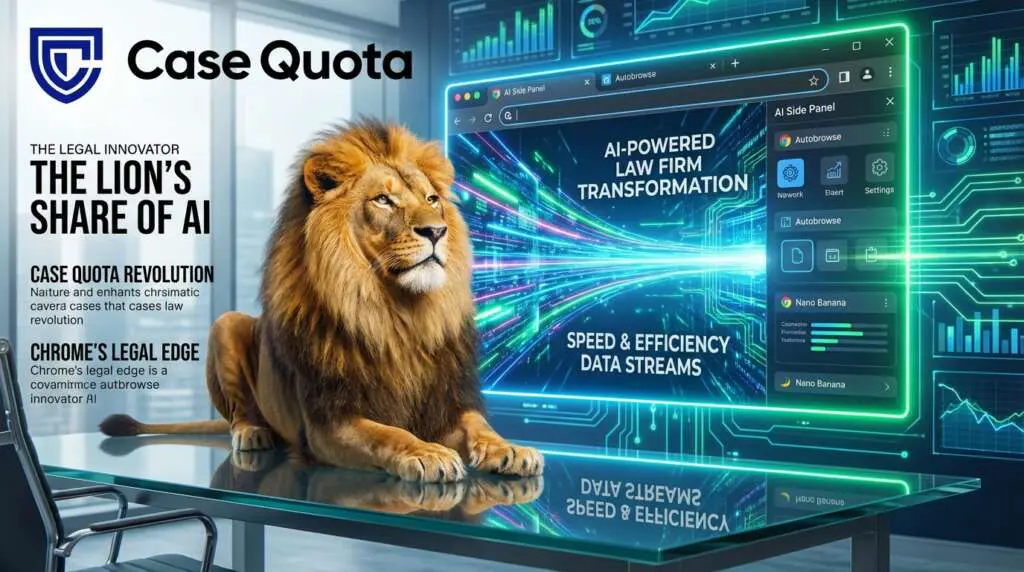
Chrome AI Features Update for Legal Marketing
Chrome updated with 3 AI features including Nano Banana marks a major step for browser intelligence and legal marketing. The release integrates Gemini capabilities into Chrome for Windows, macOS, and Chromebook Plus, and it adds an AI side panel, Autobrowse, and Nano Banana image editing. For law firms, these features promise faster research, smarter ad creative, and improved client targeting. Therefore, firms can turn browser AI into a measurable PPC advantage.
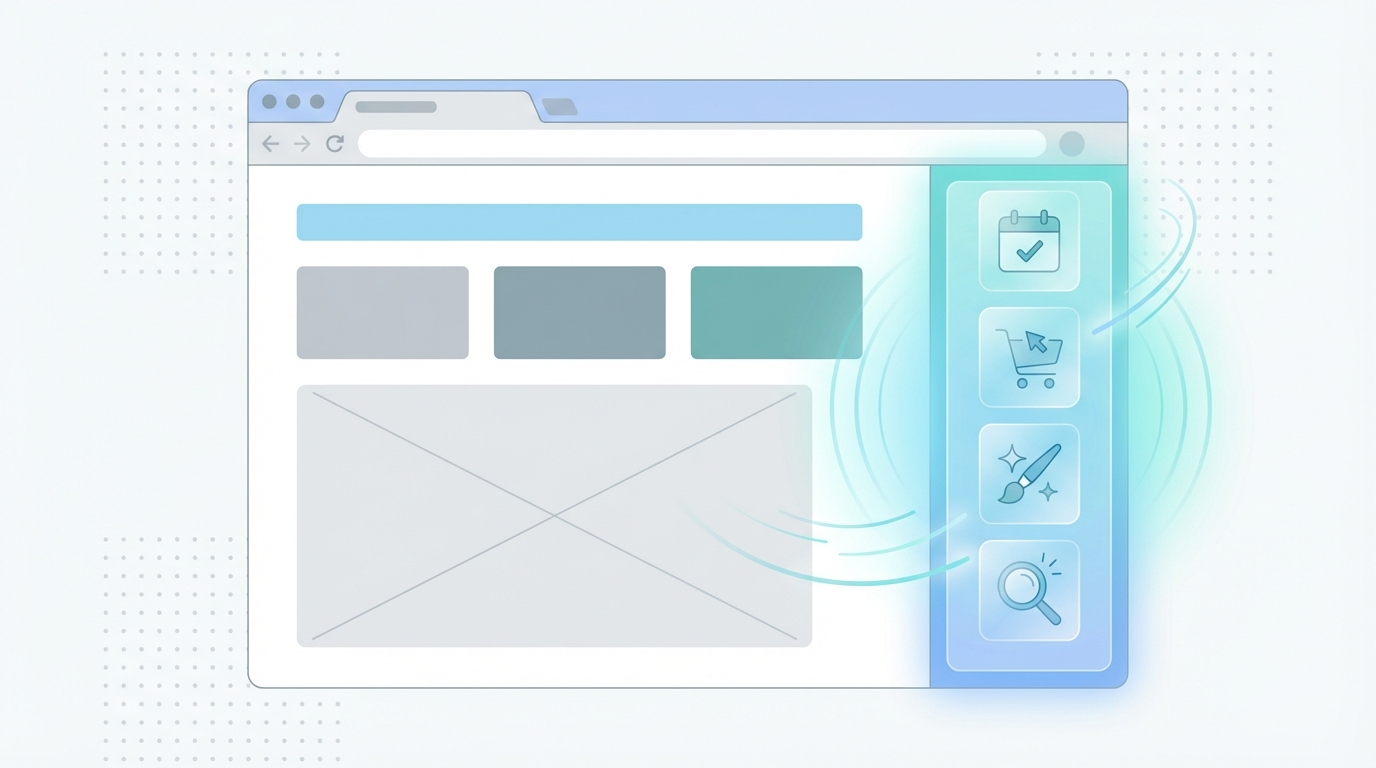
The AI side panel keeps Gemini accessible without switching tabs. As a result, attorneys and marketing teams can summarize competitor landing pages and extract keywords. They can also test ad copy while they browse. Autobrowse acts like an agentic assistant that researches costs, pulls quotes, and checks availability across sites. Moreover, its multimodal abilities let it identify products in photos and suggest purchase locations.
Nano Banana brings on-device image editing directly into Chrome. Because image assets matter for display and social ads, teams can iterate creative faster. The update also offers app connections to Calendar, Gmail, Shopping, Flights, Maps, and YouTube. This supports automated ad scheduling and remarketing. However, firms must weigh privacy and consent since side panel chat can send URLs and browser data back to Google.
This guide shows practical tactics to exploit these AI tools for PPC campaigns. It will blend technical setup, workflow changes, and promotional strategies. By the end, law firms will know how to use Chrome’s new AI to increase clicks. They will also learn to reduce cost per lead. Read on for step-by-step guidance.
Exploring Chrome updated with 3 AI features including Nano Banana
Chrome’s latest release embeds Gemini AI into the browser. As a result, three distinct features arrived: an AI side panel, Autobrowse, and Nano Banana image editing. Google described real user tests that show clear productivity gains. For example, Search Engine Journal quotes Google saying, “Our testers have been using it for all sorts of things: comparing options across too-many-tabs, summarizing product reviews across different sites, and helping find time for events in even the most chaotic of calendars.”
AI side panel: in-browser Gemini sessions
The AI side panel runs a Gemini session beside your tab. Therefore, users avoid tab switching and keep context. Technically, it spawns a persistent in-browser process that accesses page content and on-device signals. Moreover, Google requires consent before the panel sends URLs and browsing data back to Google. For details, see Google’s announcement.
Benefits for law firms
- Speed up legal research by summarizing competitor landing pages.
- Extract keywords and meta information from live pages.
- Test ad copy and landing changes while viewing pages.
Autobrowse: agentic, multimodal tasking
Autobrowse acts like an AI agent that performs multi-step web tasks. It can research pricing, pull quotes, and check availability across sites. Technically, Autobrowse orchestrates browser actions via an agent framework and can use user-granted credentials to log in. Additionally, it is multimodal and can identify items in images to find purchase links.
Benefits for law firms
- Automate market research for ad keywords and competitors.
- Run automated checks on PPC landing pages and conversion paths.
- Speed vendor comparisons for legal tech or ad tools.
Nano Banana: on-device image editing in Chrome
Nano Banana provides image generation and editing directly in the browser window. Because it runs on-device or in-browser, latency drops and privacy improves. Technically, on-device models process pixels locally, while in-browser inference extracts intent from user inputs. Google’s update also connects Chrome AI to apps like Calendar and Gmail to enable personalized workflows .
Benefits for law firms
- Iterate display and social ad creative faster.
- Produce variants for A/B tests without leaving Chrome.
- Quickly redact or adapt images for compliance.
Technical risks and operational notes
However, firms must weigh privacy and consent. Before enabling side panel chat, users must consent to sending URLs and browser data back to Google. Therefore, review firm policies before broad rollout. Finally, integrate these tools into PPC workflows to gain measurable boosts in efficiency and ad performance.
| Feature Name | Key Functions | Benefits for Law Firms | Practical PPC Ad Performance Use Cases |
|---|---|---|---|
| AI Side Panel | Keep Gemini session alongside tabs | Speed up legal research, test ad copy | Summarize landing pages, extract keywords |
| Autobrowse | Multi-step task automation | Automate market research, run checks | Compare vendor prices, verify conversion paths |
| Nano Banana | In-browser image editing | Quick creative iteration, compliance adaptation | Produce variants for A/B tests, redact images for compliance |
How law firms can leverage Chrome AI features to boost PPC performance
Chrome updated with 3 AI features including Nano Banana gives law firms new operational tools. These capabilities cut research time, improve creative, and enable hyper-focused ad testing. As a result, teams can lower cost per lead and increase conversion rates.
Efficiency and personalized multitasking
- Use the multitasking side panel to run a Gemini session alongside research tabs. Therefore, marketers avoid context switching and save time.
- Summarize multiple landing pages quickly, then extract high-intent keywords. As a result, you get richer negative keyword lists and better match types.
- Link Chrome AI to Calendar and Gmail to manage ad schedules and client follow ups. For more on app connections, see Google’s announcement.
AI-powered research automation with Autobrowse
- Let Autobrowse act as an agent for competitor and market research. It can crawl multiple sites and collect pricing and service features.
- Use it to validate PPC landing page paths and to spot conversion friction. Therefore, QA cycles speed up and problems get fixed sooner.
- Because Autobrowse is multimodal, it can analyze screenshots and find matching offers. This helps audit display and shopping placements efficiently.
In-browser image editing with Nano Banana
- Nano Banana enables rapid creative iteration directly in Chrome. As a result, teams produce image variants for A/B tests without exporting files.
- Use on-device editing to redact sensitive client information before publishing ads. Therefore, you reduce compliance risk.
- Create multiple aspect ratios and test visual hooks for metros, practice areas, and device types.
Workflow recipes that improve PPC metrics
- Daily keyword sweeps: run the AI side panel to summarize SERP changes. Then export prioritized keywords into your PPC account.
- Creative bursts: open Nano Banana to make three banner variants in 15 minutes. Later, run a landing split test to measure CTR lift.
- Conversion audits: schedule Autobrowse to trace checkout or form flows. As a result, you reduce dropoff and improve Quality Score.
Technical and tier considerations
- Consider Google Personal Intelligence features for richer personalization. However, review data flows and consent rules first.
- Higher-capacity tiers such as AI Pro and Ultra may reduce latency and enable advanced multimodal tasks. For research on on-device inference, see Google Research.
- Also read testing notes and user experiences at Search Engine Journal.
Privacy and rollout notes
Before broad deployment, update firm policies. In particular, require user consent before enabling the side panel that may send URLs and browsing data to Google. Finally, run pilot projects to measure lift before full investment.
CONCLUSION
Chrome updated with 3 AI features including Nano Banana gives law firms practical tools to raise PPC performance. The AI side panel reduces context switching and speeds research. As a result, teams can extract keywords faster and refine ad copy in real time. Autobrowse automates multi-step competitive research and conversion audits. Therefore, you can find pricing differentials and fix funnel leaks quickly. Nano Banana enables on-device image editing inside Chrome. This capability shortens the creative loop and improves A/B testing velocity.
Together these features cut turnaround times, improve ad relevance, and lower cost per lead. Moreover, app connections to Calendar and Gmail enable smarter scheduling and remarketing. However, firms must manage consent and privacy. Before enabling side panel chat, require user approval to send URLs and browsing data. Also, pilot these tools on a small scale to measure lift and control risk.
If your firm wants professional help, Case Quota specializes in legal marketing for small and mid-sized law firms. Case Quota builds high-level strategies and implements AI-driven PPC workflows. Visit Case Quota to explore services, case studies, and contact options. Their team can design pilots that apply Chrome AI features to your campaigns. Finally, start with a focused test, track KPIs, and scale what works. With the right partner, Chrome’s AI features become a sustained competitive advantage. Act now to pilot these features. Reach out to Case Quota for a free consultation. Combine AI in browser tools with tested PPC strategies for measurable ROI gains within months today.
Frequently Asked Questions (FAQs)
What exactly does “Chrome updated with 3 AI features including Nano Banana” mean?
This update embeds Gemini AI into Chrome and adds three capabilities. First, an AI side panel provides an always-available assistant beside your tab. Second, Autobrowse automates multi-step web tasks and can act agentically. Third, Nano Banana enables on-device and in-browser image editing. Together these features aim to speed workflows and support personalized multitasking in the browser.
How do these features work technically and what are the privacy implications?
The side panel spawns a persistent in-browser Gemini session that can read page content and local signals. Autobrowse runs agentic workflows and can use user-granted credentials to log into sites. Nano Banana performs image inference on-device or in-browser for low latency. However, before enabling the side panel chat, users must consent to sending URLs and browsing data back to Google. For technical details, see Google’s announcement: Google’s announcement.
How will law firms benefit in PPC research and ad management?
Law firms gain faster research, sharper creative, and automated audits. For example, the multitasking side panel speeds SERP and landing page summaries. Autobrowse automates competitor pricing and conversion path checks. Nano Banana shortens the creative loop for display ads and redaction tasks. As a result, teams can run more A/B tests, refine targeting, and lower cost per lead. Early user reports highlight time savings across too-many tabs, according to Search Engine Journal: Search Engine Journal.
What risks should firms consider before rolling these tools out?
Primary risks include data sharing, access permissions, and accidental disclosure. Autobrowse can access passwords and logins if allowed. Nano Banana edits images locally but may still interact with cloud services depending on settings. Therefore, require explicit user consent, limit feature permissions, and pilot on non-sensitive accounts first. Also update internal compliance rules and train staff on safe usage.
How should a law firm begin piloting these features for PPC?
Start small. Pick a two-week pilot with a core team. Define KPIs such as CTR, conversion rate, and time-to-insight. Use the side panel for daily keyword sweeps, Autobrowse for conversion audits, and Nano Banana for creative bursts. Finally, document gains and scale the workflows that deliver measurable ROI.