

Page weight and Why It Matters for Law Firm Websites
Page weight describes the amount of data a web page transfers to a browser. Because page weight affects network transfer and load time, it directly shapes user experience. For law firms, higher page weight can reduce conversions because prospective clients abandon slow pages. Therefore understanding page weight helps you balance rich content with fast delivery.
Technically, page weight includes HTML, CSS, images, fonts and scripts. Servers often compress files with Brotli or gzip, but compression does not eliminate the need to optimize. Googlebot and other crawlers still measure transfer and rendering time, and search engines use speed as a ranking signal. As a result, large machine facing data or verbose structured data can increase apparent weight.
Client trust depends on perceived performance and clarity. Potential clients expect quick access to case results, attorney bios and contact forms. If a page stalls, bounce rates rise, and lead intake drops. Consequently, law firms must prioritize visible content first and defer noncritical scripts to preserve conversion flows.
This article will unpack measurement methods, practical audits and optimization strategies. First we will show how to measure page size, network transfer and render time. Then we will explain tradeoffs between rich features and speed. We will offer step by step tactics for front end and server side improvements. Finally we will provide a checklist tailored to law firm marketing and client intake systems.
Moreover, small improvements compound across pages and sessions, because repeat visitors see the benefit. Therefore even modest reductions in page weight can lift conversion rates. In subsequent sections we show benchmarks and measurable targets.
Page weight component comparison
The table below breaks down page weight into major components. It shows average sizes, typical impact on speed, and SEO effects. Use it to prioritize optimizations for law firm pages and client intake flows.
| Component | Typical share of page weight | Example average size (July 2025 median 2.3 MB) | Impact on page speed | SEO and Googlebot implications | Mitigation tactics |
|---|---|---|---|---|---|
| HTML (document) | 5 to 40% depending on templates and structured data | 50 KB to 2 MB uncompressed; often 50 KB to 500 KB on-wire compressed | Critical for first byte and time-to-first-paint; large HTML delays render | Googlebot downloads and renders HTML; excessive machine-facing data can raise crawl cost and slow indexing | Minify, stream server-side rendering, remove unused structured data, inline critical HTML only |
| CSS | 1 to 10% | 5 KB to 200 KB compressed | Large CSS blocks can block rendering and delay first meaningful paint | Render-blocking CSS can hurt perceived speed and user signals used by search engines | Split critical CSS, use media attributes, async loading for noncritical styles |
| JavaScript | 10 to 60% | 50 KB to 1.5 MB compressed | Heavy JS increases parse and execution time; causes jank and delayed interactivity | Search engines render pages; excessive JS raises crawl CPU and may hide content | Code-split, defer noncritical scripts, tree-shake, use smaller libraries |
| Images and fonts | 30 to 70% | Often the largest share; images typically 500 KB to 1.5 MB | Large images increase time-to-interactive and data transfer | Slow-loading media raises bounce rates and can reduce ranking over time | Serve responsive images, modern formats, lazy-load, subset fonts |
| Third-party scripts | Variable | 10 KB to several hundred KB | Third-party code adds network requests and execution time | Can degrade crawl efficiency and introduce privacy or security concerns | Audit vendors, load after interaction, use privacy-focused alternatives |
| Network transfer overhead | N/A | Adds 5% to 20% above resource sizes due to headers TLS and round-trips | Increases latency, especially on mobile and high-latency networks | Higher transfer costs and slower crawl throughput for bots on limited connections | Use HTTP/2 or HTTP/3, keepalive, optimize caching and server location |
| Compression effects (Brotli) | N/A | Brotli commonly reduces text resources by 30% to 70% | Lowers bytes-on-the-wire and speeds up transfer | Reduces Googlebot and user download sizes, improving crawl and UX | Enable Brotli on server, compress assets, set correct content-encoding |
Notes
- Median page size was about 2.3 MB in July 2025. Therefore images and media often dominate.
- Servers commonly use Brotli compression to reduce network transfer.
- Some pages can contain 2 MB of HTML. However much of that may not be user-facing.
How page weight drives site speed and client conversions
Page weight directly affects load time, user perception and conversions for law firm websites. Because prospective clients expect quick access to attorney bios, case results and contact forms, slow pages erode trust. Consequently bounce rates rise, and conversion funnels suffer. For legal practices that rely on timely leads, these losses translate to real revenue impact.
How page weight slows pages and interactivity
Heavier pages increase network transfer and CPU cost. For example, large images and fonts cause more bytes on the wire, and heavy JavaScript increases parse and execution time. Therefore time-to-first-paint and time-to-interactive both suffer. Moreover, in high latency mobile networks, even small increases in weight amplify delays. As a result, users perceive the site as sluggish and often abandon it.
- Images and media usually make up the largest share of page weight. Consequently they affect load time the most.
- JavaScript can block the main thread and delay interactivity. Therefore deferring noncritical scripts often pays off.
- CSS that blocks rendering delays the first meaningful paint. As a result, perceived speed drops.
Page weight and invisible but necessary content
Page weight is not always waste. Importantly some heavy resources serve machine-facing or compliance needs. For example, structured data, analytics payloads and logs add bytes. Gary Illyes has cautioned that “Page Weight is not a trustworthy metric because the cause of the excess weight might very well be something useful.” Therefore teams must audit before removing assets.
However excess non-user-facing content can still harm conversions. For instance, excessive structured data or verbose metadata can bloat HTML. Consequently the server sends more bytes, and render time increases. Yet not all non-visible content is unnecessary. Thus the correct approach balances crawler needs against user-facing speed.
Googlebot, rendering, and crawl implications
Googlebot now renders pages with an up-to-date Chromium engine. As Martin Splitt explained, this change made Googlebot effectively “evergreen,” so it supports modern JavaScript and web features. See details. Because Googlebot renders pages, heavy scripts can increase crawl CPU and slow indexing. Therefore high page weight can raise crawl cost and affect freshness.
Moreover HTTP Archive data shows the median page size reached about 2.3 MB in July 2025. See the report. Consequently many sites now exceed recommended performance budgets. Thus law firms should set practical limits, because even modest weight reductions improve load time and conversions.
Practical tradeoffs for law firms
Start by prioritizing visible content that supports conversion. Then defer analytics and noncritical tooling. Additionally audit structured data to keep only high-value entries. Because legal pages often include long bios and document lists, consider streaming HTML and lazy-loading secondary content. Finally measure both bytes-on-the-wire and render metrics, because compressed sizes can hide real transfer costs.
In short, reducing unnecessary page weight improves user experience. Therefore it boosts trust and client conversions for law firms. However optimization must preserve necessary machine-facing features. Consequently a measured audit and targeted fixes deliver the best outcomes.
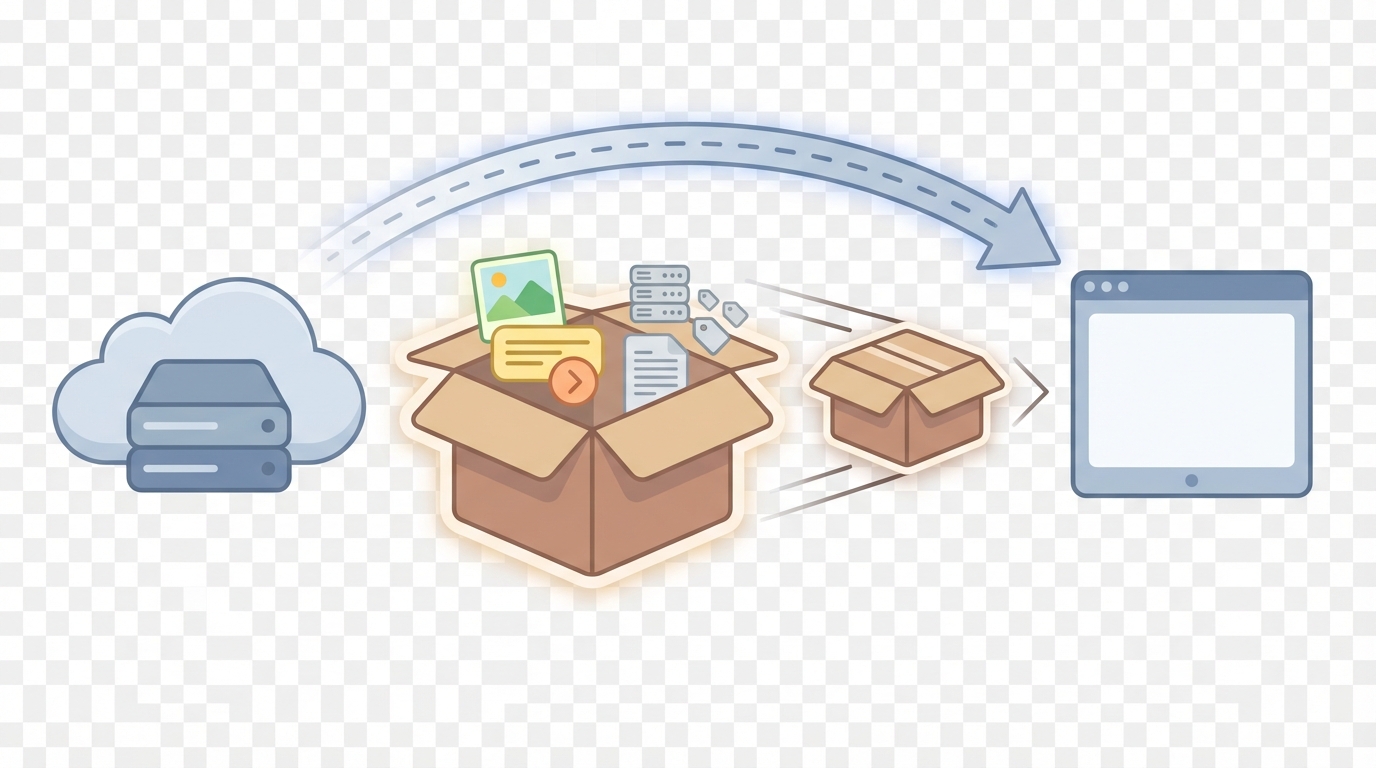
How compression and Brotli change page weight and network transfer
Modern compression reduces the bytes sent across the network. Therefore it directly lowers page weight as observed by users and bots. Brotli often compresses text assets by thirty to seventy percent. As a result, HTML, CSS and JavaScript transfer faster and use less bandwidth.
Google and large CDNs use Brotli and gzip at scale. Consequently many servers deliver compressed HTML and script bundles by default. However compressed size is not the whole story. For example, disk size can remain large while on-wire bytes shrink. Thus teams must measure bytes-on-the-wire and not only file sizes on disk.
page weight implications for transfer, rendering and SEO
Compression improves network transfer time because fewer bytes travel over the wire. Consequently latency and time-to-first-byte fall, especially on slow mobile links. Moreover reduced transfer lowers retransmission risk on lossy networks. For law firms, this means faster access to intake forms and bios, which supports conversions.
Nevertheless compression does not remove CPU costs. Browsers must decompress and then parse resources. Therefore heavy JavaScript can still delay time-to-interactive even when compressed aggressively. Similarly, large images compress poorly compared with text. As a result, image optimization remains essential alongside compression.
Googlebot requests and renders compressed assets, because it behaves like a modern browser. Therefore enabling Brotli helps both human users and Googlebot. However remember that Googlebot also consumes crawl budget and CPU cycles. As a result, very large pages may cost more to crawl, even if compressed. For background on Googlebot rendering behavior, see this article.
Practical effects and actionable steps for law firms
- First, enable Brotli on origin servers or CDNs for text assets. Next, ensure correct content-encoding headers. Otherwise clients may not decompress correctly. Additionally serve compressed variants only to clients that advertise support. This prevents extra work and reduces errors.
- Second, measure compressed transfer sizes with real network tests. Tools that mimic mobile latency reveal the true impact. For industry metrics, consult the HTTP Archive page weight data at this source.
- Third, compress intelligently. For instance, apply Brotli to HTML, CSS and JS at higher compression levels. Conversely use optimized binary formats for images. Also consider HTTP/2 or HTTP/3 to reduce round-trips and handshake overhead.
- Finally, validate compression practices against standards. See the MDN overview at this resource for implementation details. Because compression and transfer choices affect both users and Googlebot, they become a core part of a performance-driven SEO strategy.
In summary, Brotli and similar algorithms reduce page weight on the wire. However they do not replace classic optimizations. Therefore compressing text, optimizing images, and reducing heavy JavaScript together yield measurable speed and conversion gains.
Conclusion: Page weight as a competitive advantage
Understanding page weight gives law firms a measurable edge. Lighter pages load faster, and faster pages keep users engaged. Therefore reduced page weight improves perceived trust and increases client conversions.
Reducing unnecessary bytes on the wire improves site speed and SEO. For example, Brotli compression and responsive images lower network transfer and time-to-interactive. However teams must balance machine-facing data like structured data with speed needs.
Small, measurable optimizations compound across pages and sessions. As a result a modest drop in average page size can raise lead volume. To act, audit bytes-on-the-wire, prioritize visible content, and defer noncritical scripts.
Case Quota is a specialized legal marketing agency that helps small and mid-sized law firms dominate their markets. Visit Case Quota to learn how they combine performance, SEO, and intake best practices. Because competition rewards speed, managing page weight is a practical growth lever. Begin with a performance budget, measure impact, and iterate.
Frequently Asked Questions (FAQs)
What exactly is page weight and how should I measure it?
Page weight is the total amount of data transferred to render a page in a browser. Measure it as bytes-on-the-wire not just disk size. Therefore record both compressed and uncompressed sizes. Use real network tests to capture transfer under mobile latency and packet loss. Tools like WebPageTest and Chrome DevTools capture transfer, waterfall, and resource timing.
How does page weight affect site speed and client conversions for law firms?
Higher page weight increases time-to-first-paint and time-to-interactive. Consequently users see a slower site and often abandon contact forms. For law firms, that lost attention equals fewer leads. Therefore optimize visible content first, because perceived speed matters most for conversion.
Which components typically drive page weight on legal websites?
Images and fonts usually account for the largest share. JavaScript can also dominate when heavy frameworks load for every page. Additionally structured data, verbose metadata, and analytics add HTML bulk. As a result audit each component and instrument bytes by type to prioritize fixes.
Will compression such as Brotli make page weight irrelevant?
Compression significantly reduces text transfers, but it does not eliminate all costs. Brotli often cuts HTML CSS and JS by thirty to seventy percent. However browsers still decompress and parse code, so CPU and execution time remain. Moreover images compress poorly, so image optimization stays essential. Finally Googlebot benefits from reduced transfer but still expends crawl CPU on heavy pages.
How should a law firm set practical performance budgets and test improvements?
Set a realistic bytes budget per template and monitor it continuously. For example target visible-first payloads under 300 KB and total on-wire sizes aligned with site goals. Use synthetic tests and field data such as Real User Monitoring to measure impact. Then A/B test changes on conversion pages, because speed gains must translate to higher lead capture.
If you follow these steps you will reduce page weight in measured ways. Consequently you improve user experience, lower crawl cost for Googlebot, and increase client conversions.